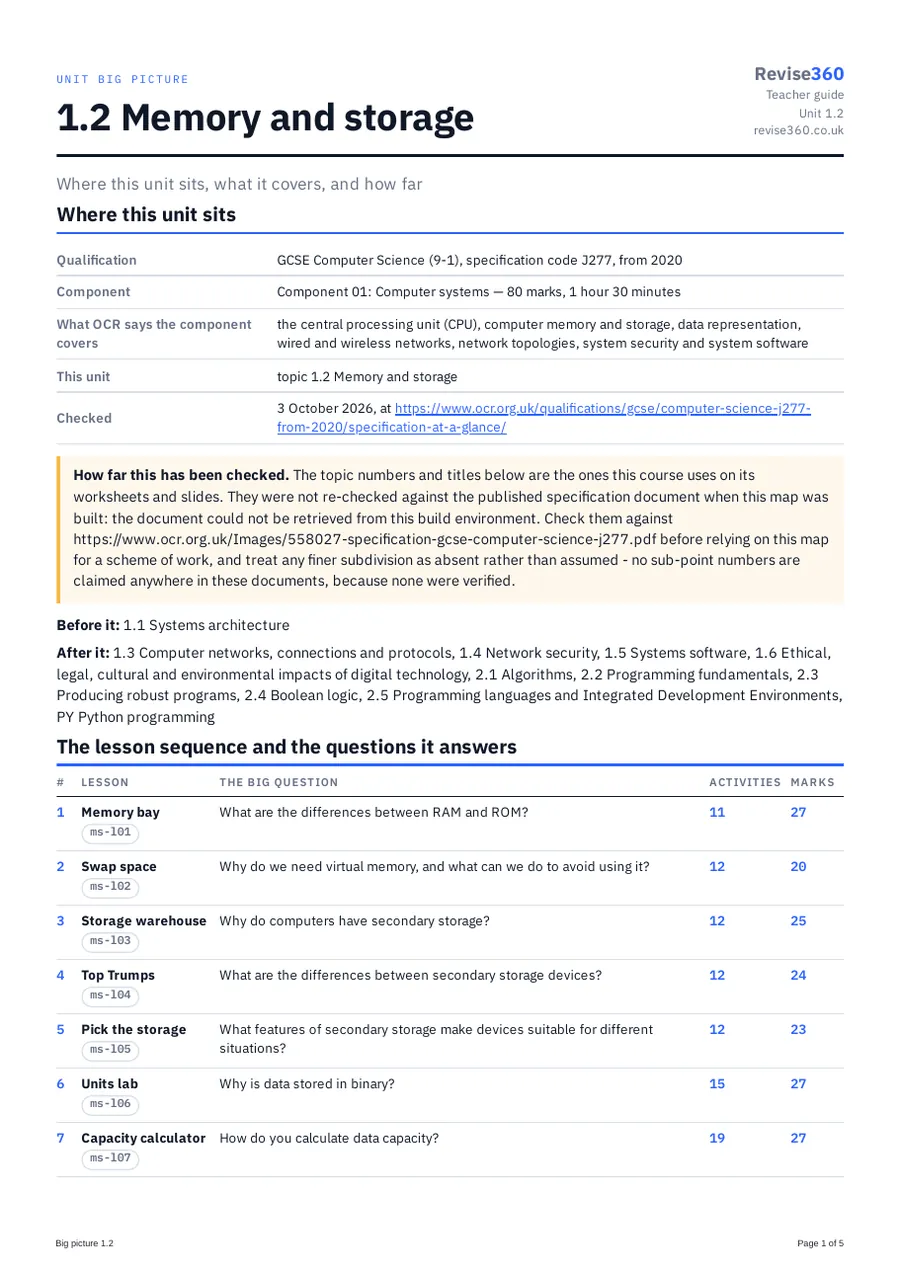
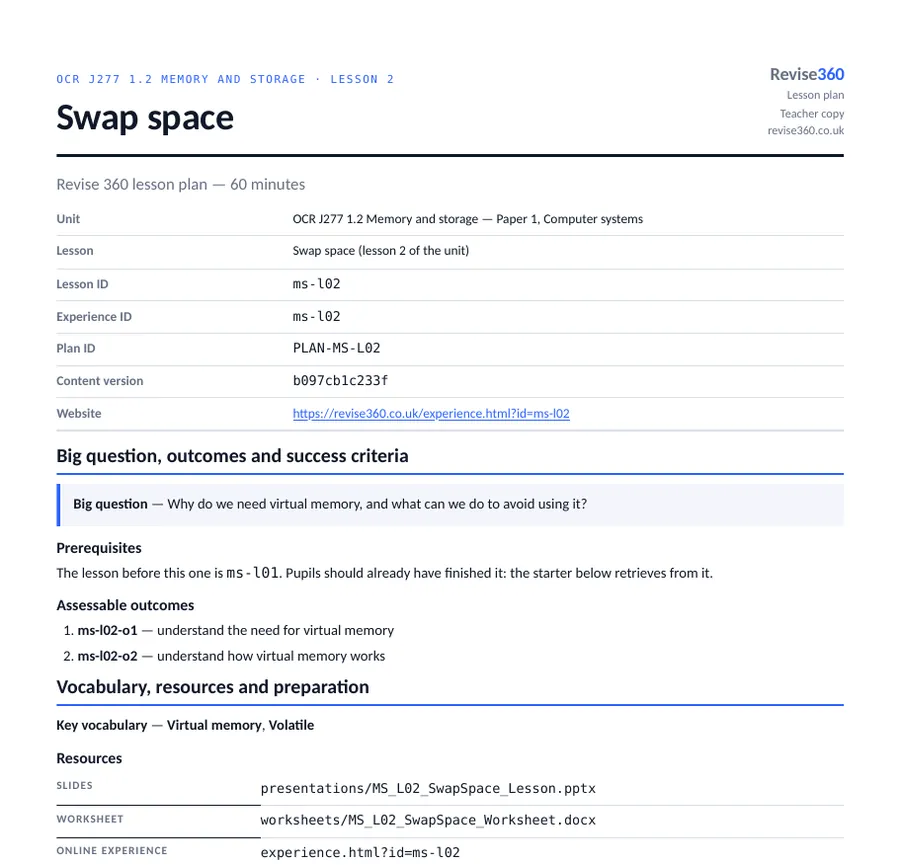
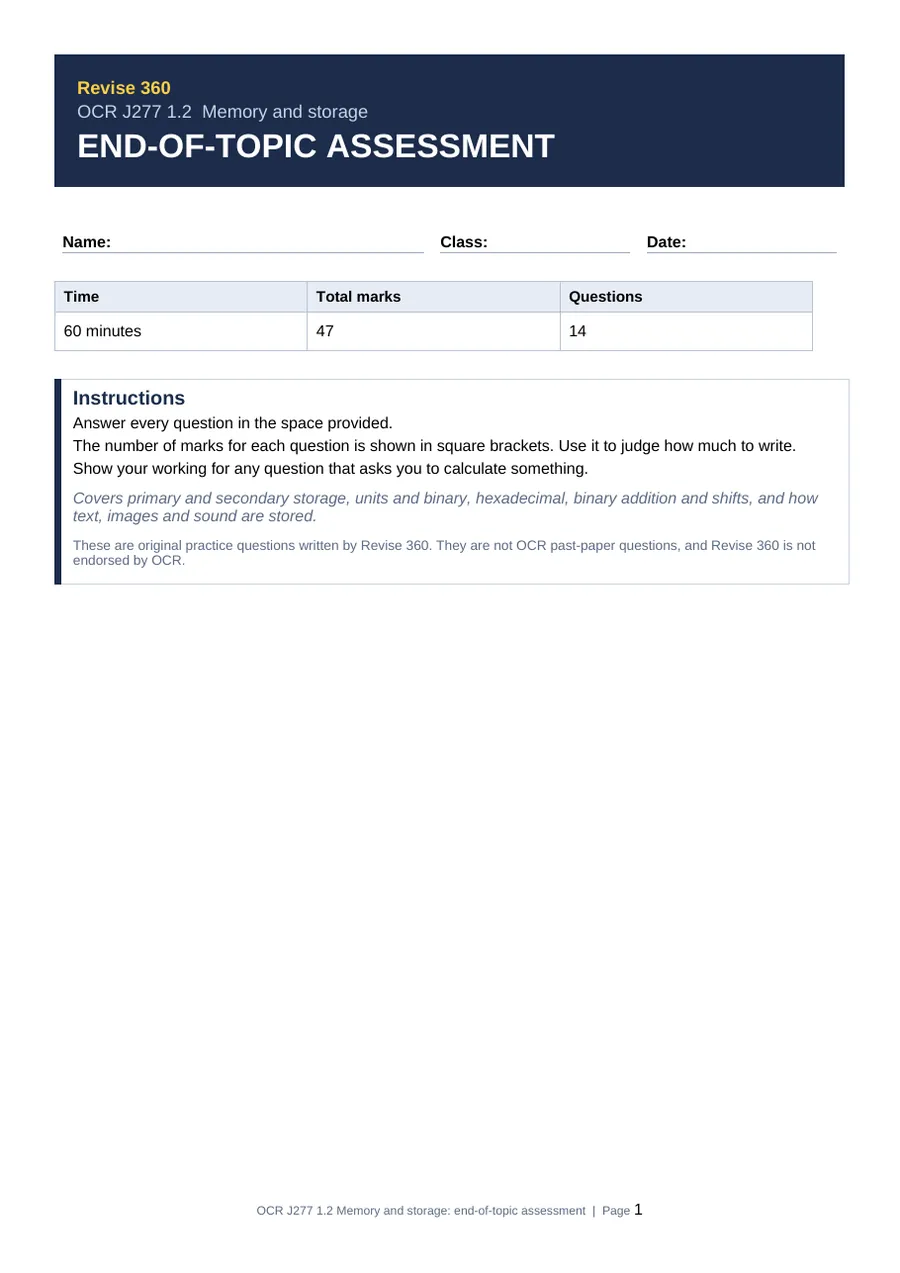
Lessons include each unit's assessment and revision lessons. The Python unit has slides, worksheets and plans, and no end-of-topic paper.
One lesson, start to finish
The same clear sequence every lesson.
01
Recall
Three retrieval questions on the first slide, answered on paper. The class marks its own from the next slide.
02
Explore
Open the lesson's 360° room. Pupils work through its numbered stations.
03
Write
The key fact goes on the worksheet in the pupil's own words, then the station challenge.
04
Check
The self and peer marking slide puts up the mark points once everyone has written.
Assessment and follow-up
Find the gaps. Send pupils back to them.
Each topic ends with an original exam-style assessment and a mark scheme. In Quiz Mode and Topic Checks, every lost mark names the lesson and station that teaches it, and Review mode reopens only what was wrong.
The Teacher Portal shows the class's weak areas, each station labelled Secure, Revise or Focus from the first attempt.
Lead with the slides, explore the room, and bring the class back together for the marking slide.
Homework
Pupils can work through a lesson or Quiz Mode at home. Collect worksheets through your usual school system.
Intervention
Revisit chosen stations with a small group: model one example, discuss the reasoning, then check a fresh answer.
Marking
Mark points stay on the teacher's side: on the slides after pupils have written, in the lesson plans and in the mark schemes. None are printed on the worksheet.
The teaching behind it
Principles you can point at in the materials.
Retrieval
Every lesson opens with three questions from memory: last lesson, the previous topic and one further back.
Fading support
Early activities at a station carry a worked example; later ones do not.
Diagnostic choices
Wrong options in multiple-choice questions are real misconceptions, so the split across answers tells you what to reteach.
Hardest last
The hardest activity at each station comes last and is not optional. The worksheet carries the exam-style questions.
No skipping
In the Python course a question opens only when the one before it is finished.
The Teacher Portal
Your classes, in one place.
Overview
Who has been active this week, the written answers waiting for you, and your classes at a glance.
Classes
Make pupil logins from a list or your MIS export, and print the cards. No pupil emails or names needed.
Reports
Progress by pupil, the class's weak stations, and every written answer with the mark scheme beside it. Your mark and comment reach the pupil.
Set work
Give a class a lesson with a due date. Pupils see it on their portal; you see who has finished.
Preview
Open any lesson exactly as a pupil sees it. Nothing you do there is saved.
Resources
Each unit's slides, worksheets, plans, workbook and assessment, in two downloads.
 Revise360For teachers